How far are you from liquidation?
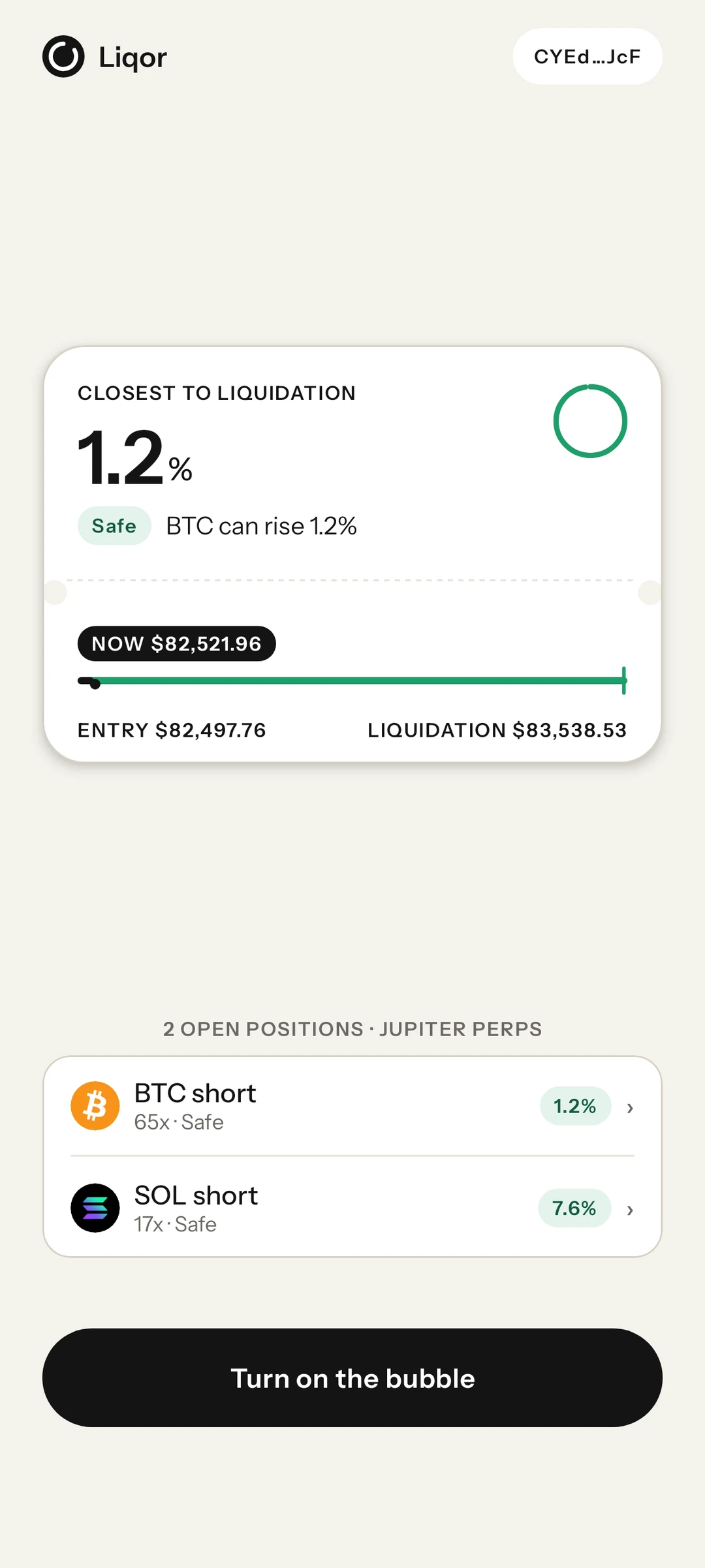
Liqor answers at a glance.
Download for Seeker

 Jupiter Perps and Beta · Built for Solana Seeker
-
01
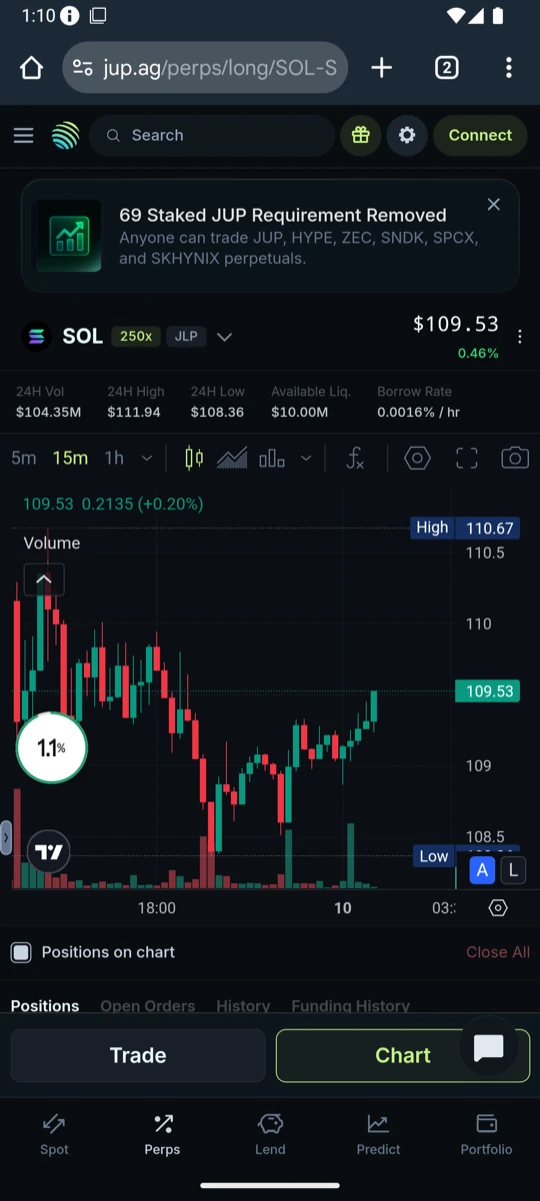
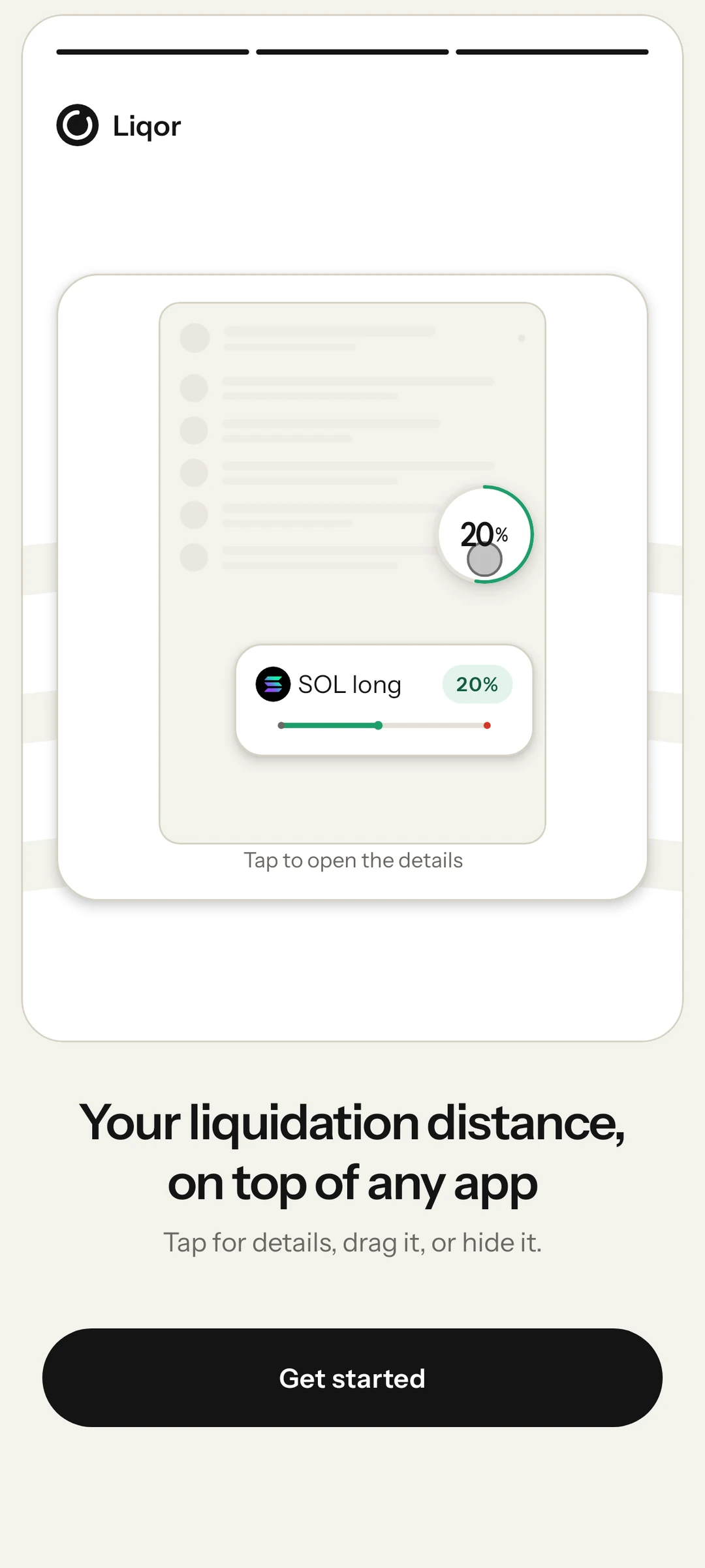
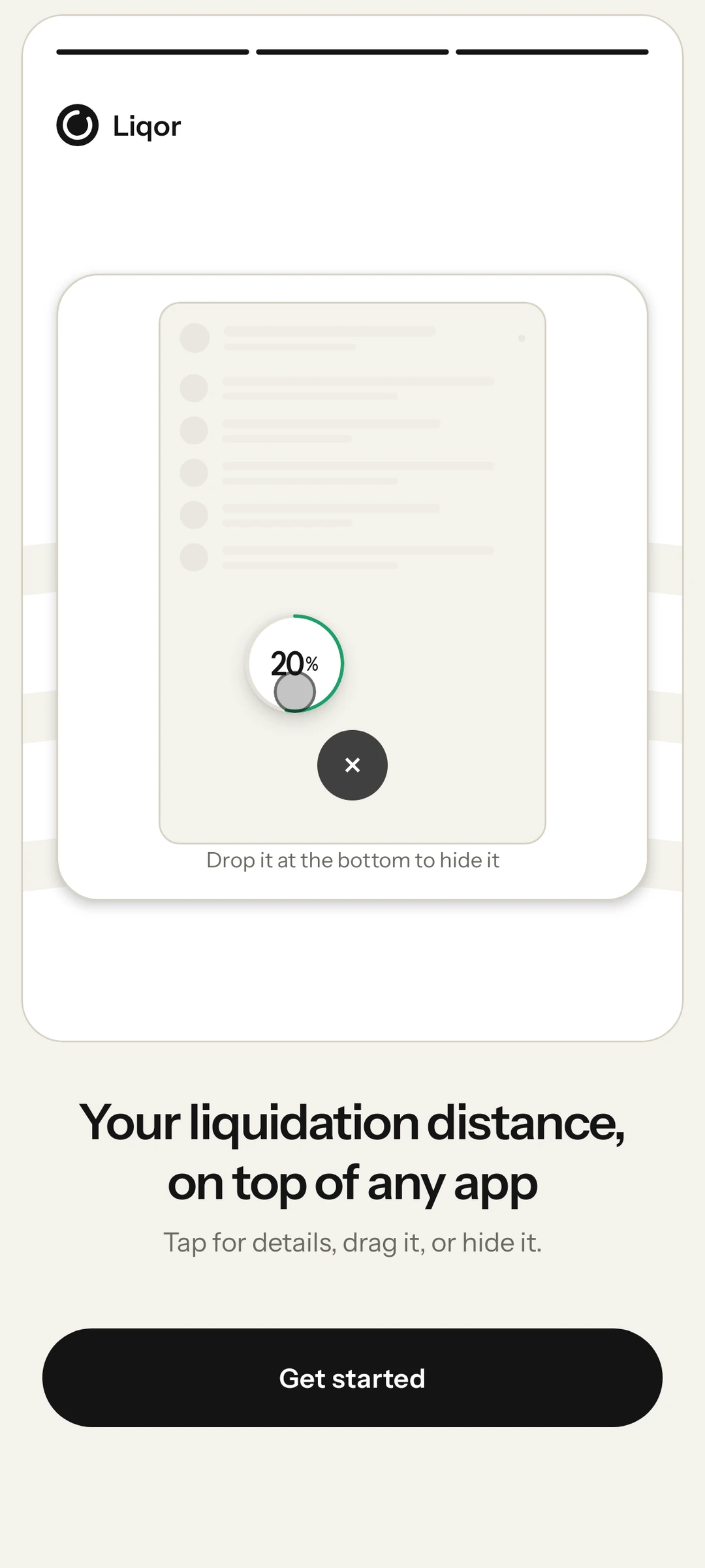
Your distance floats over every app.
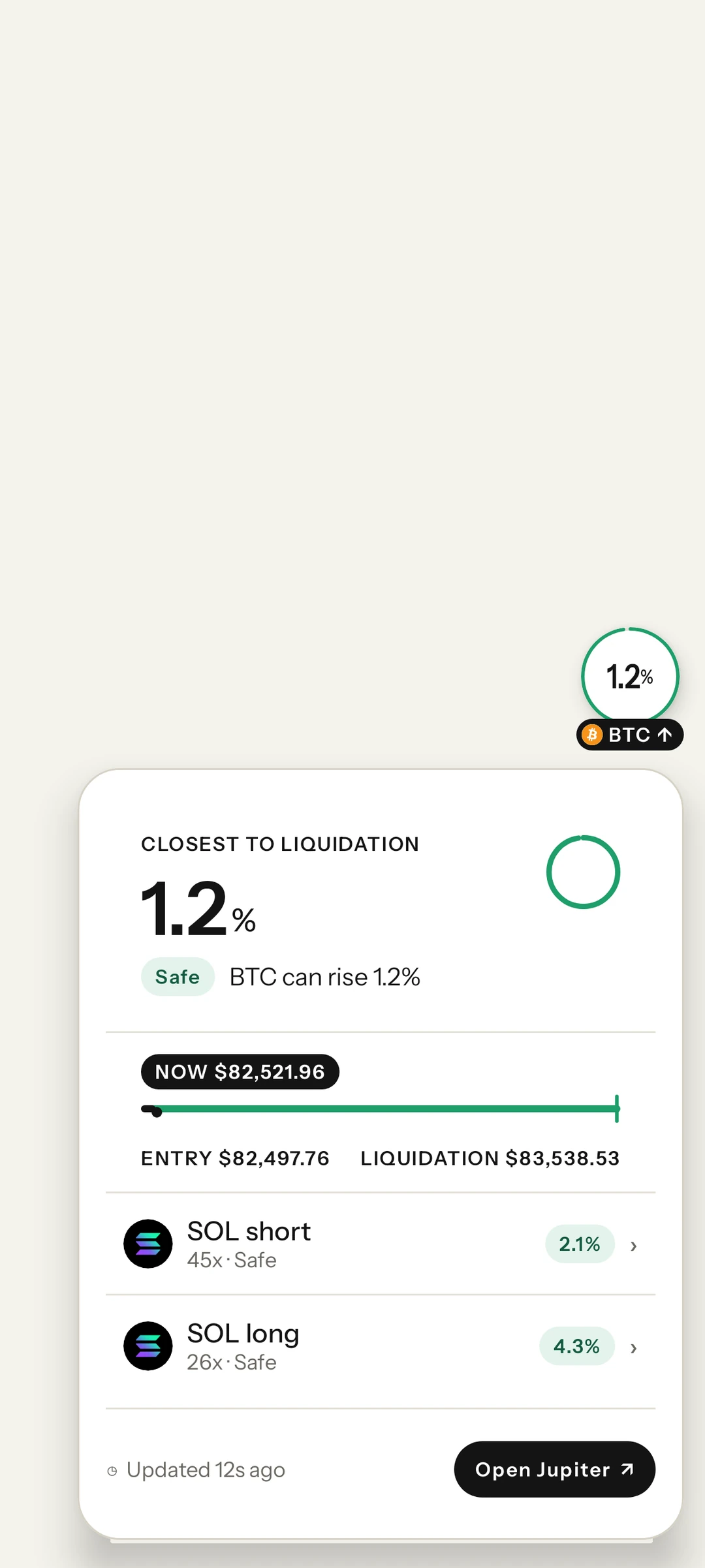
Trade on Jupiter, read the news, check X. The bubble stays on top and shows how far your closest position is from liquidation.
-
02
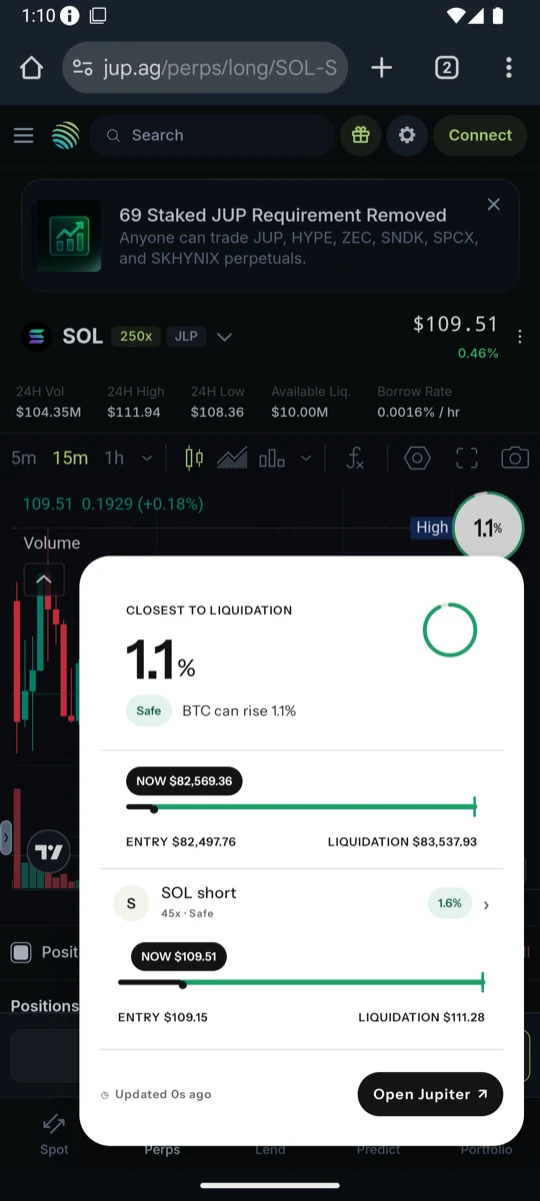
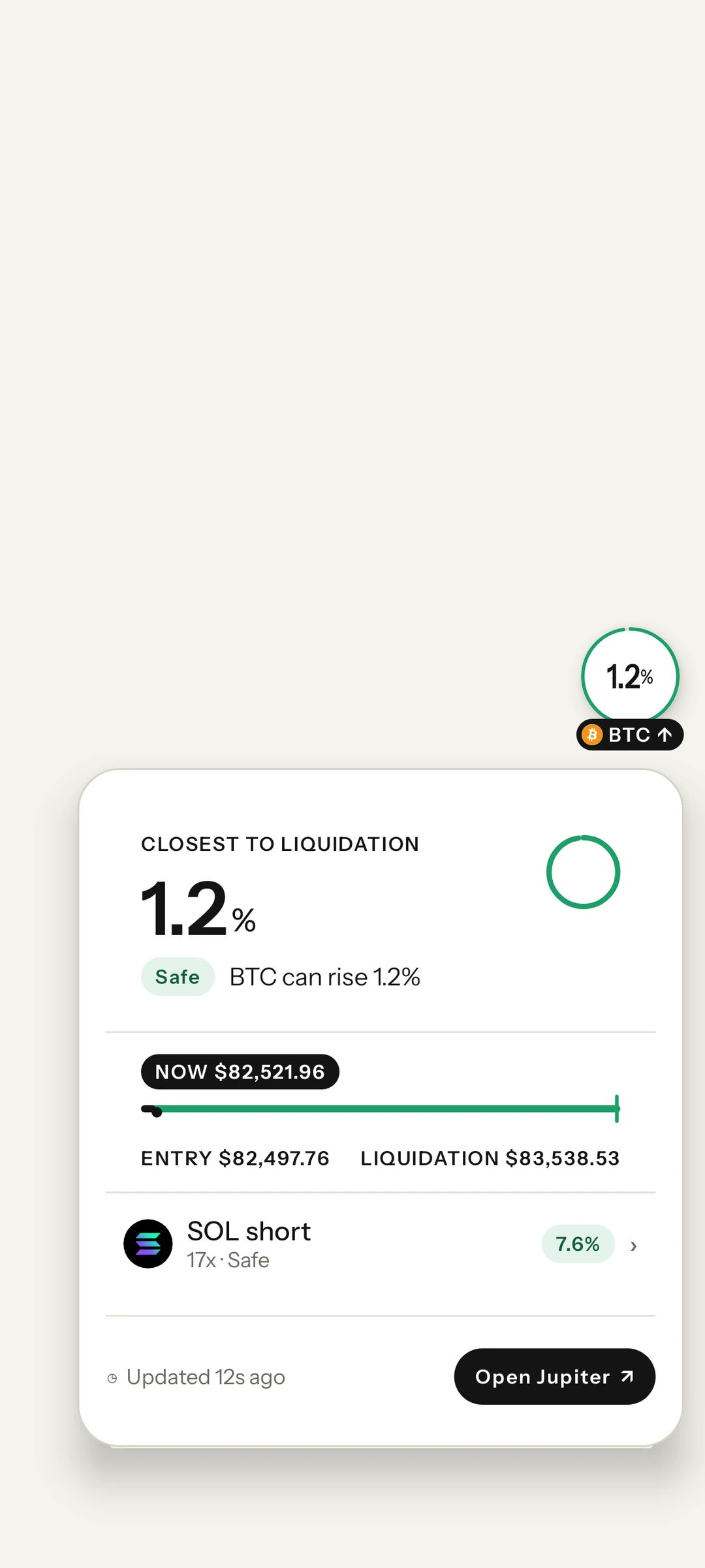
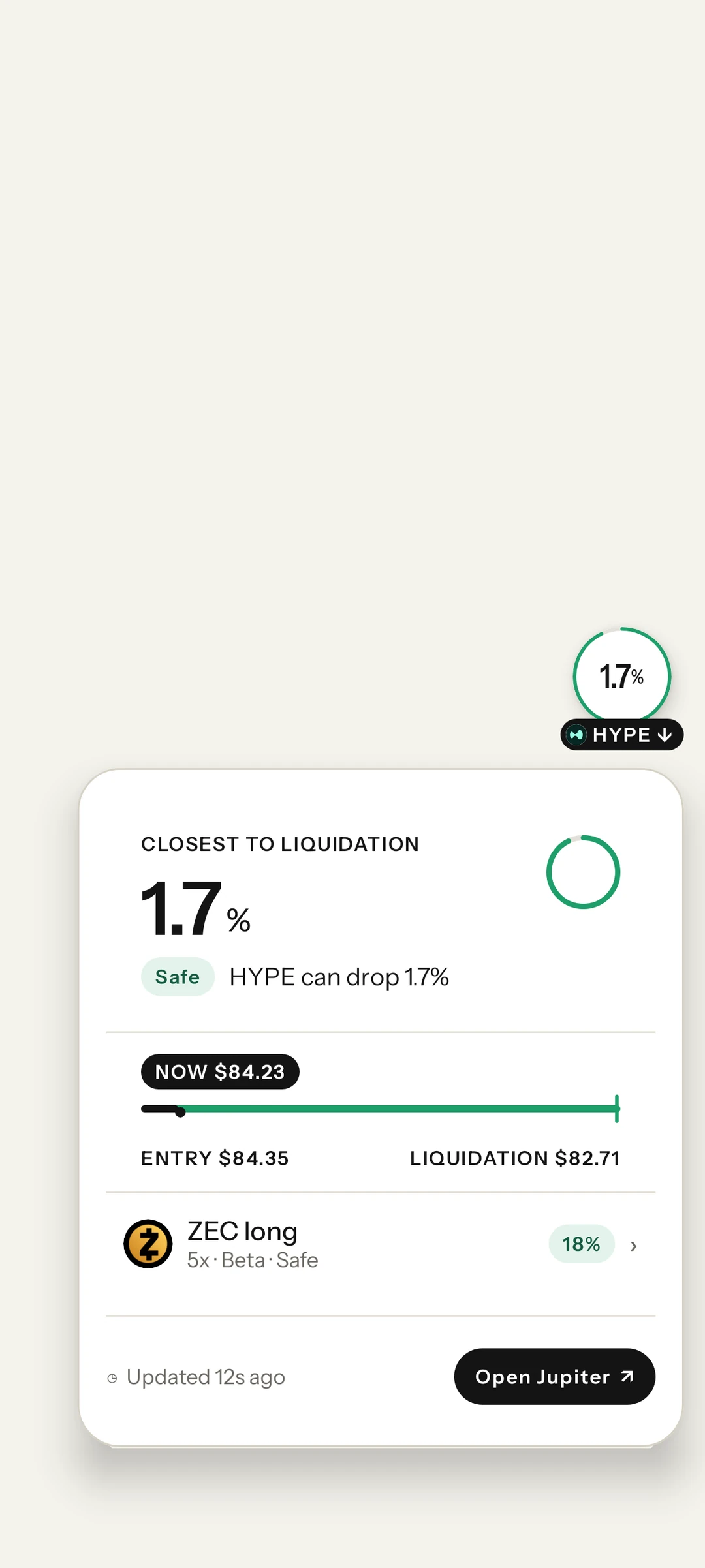
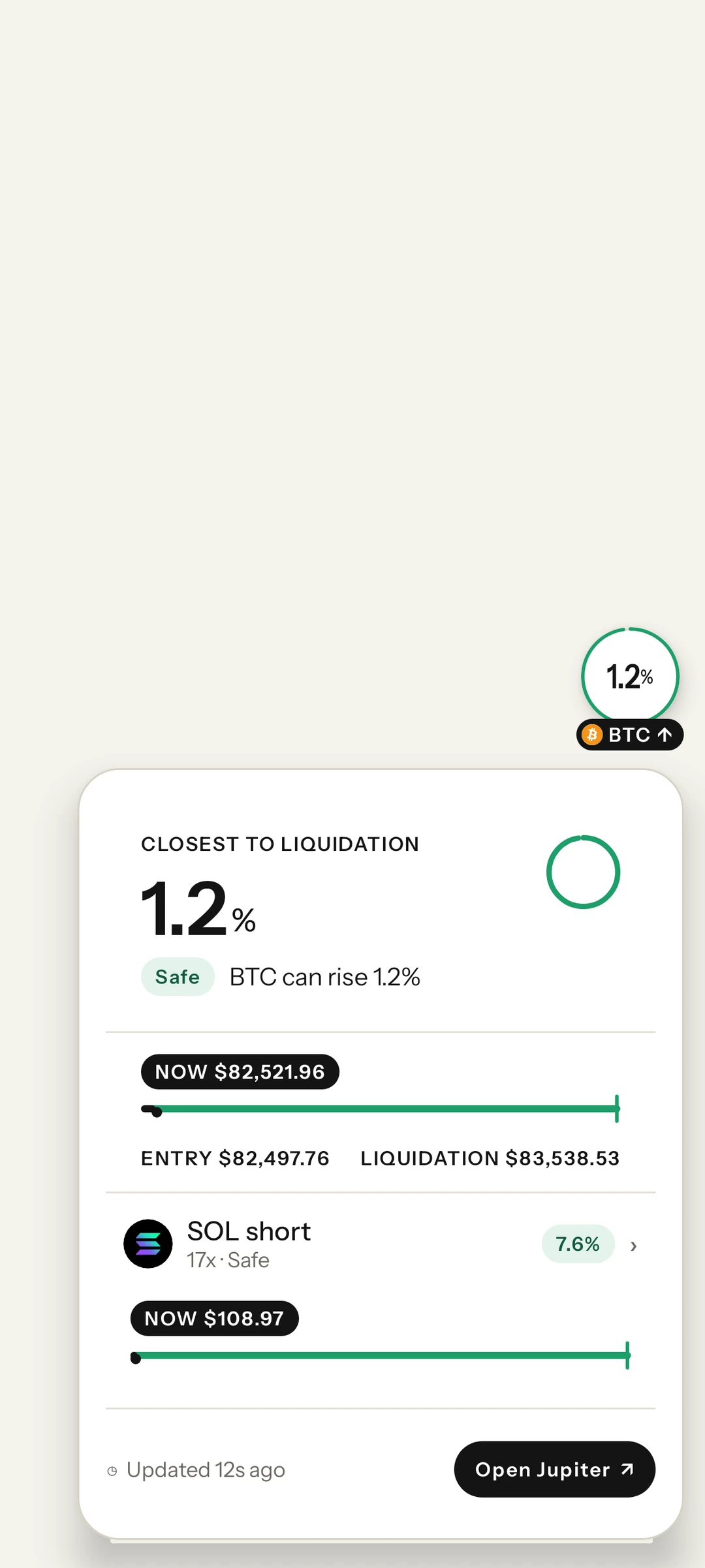
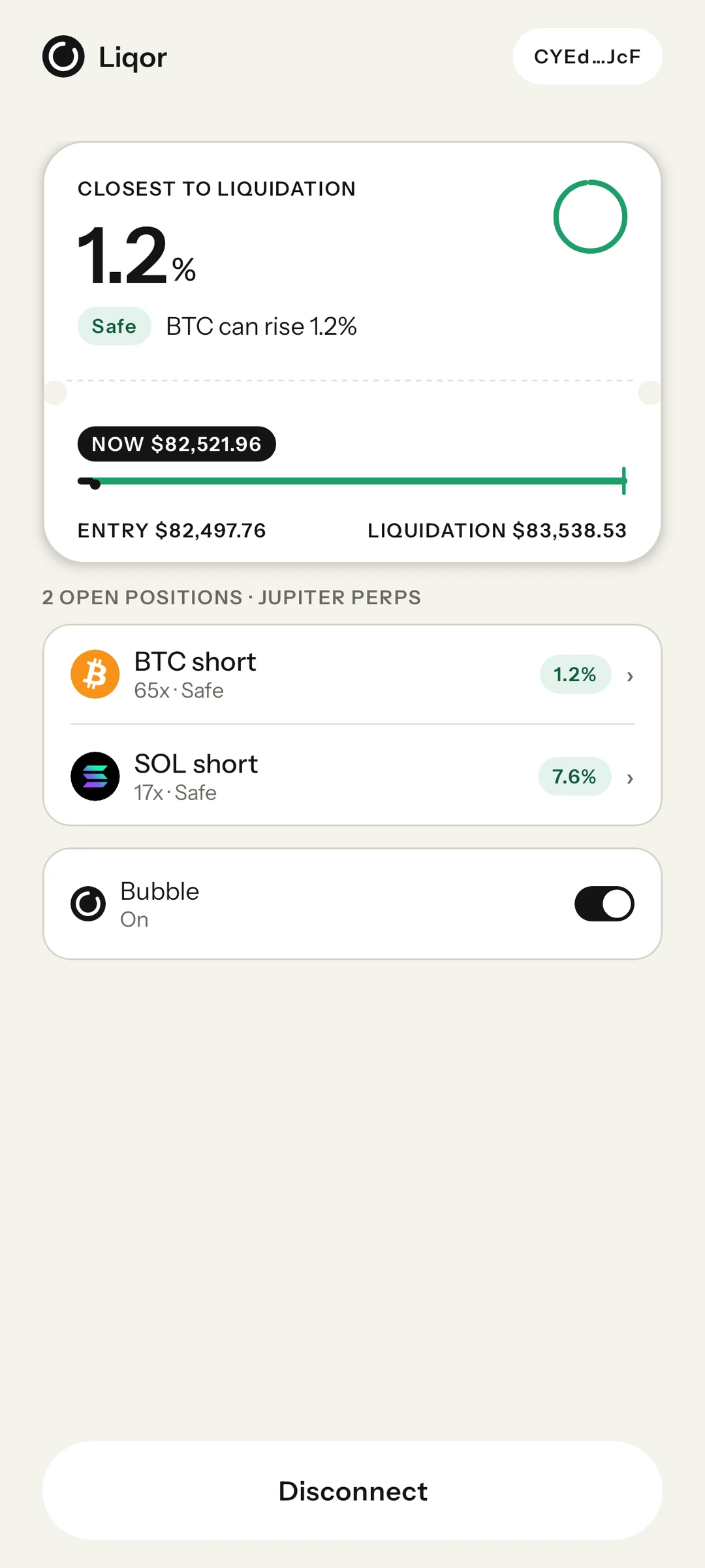
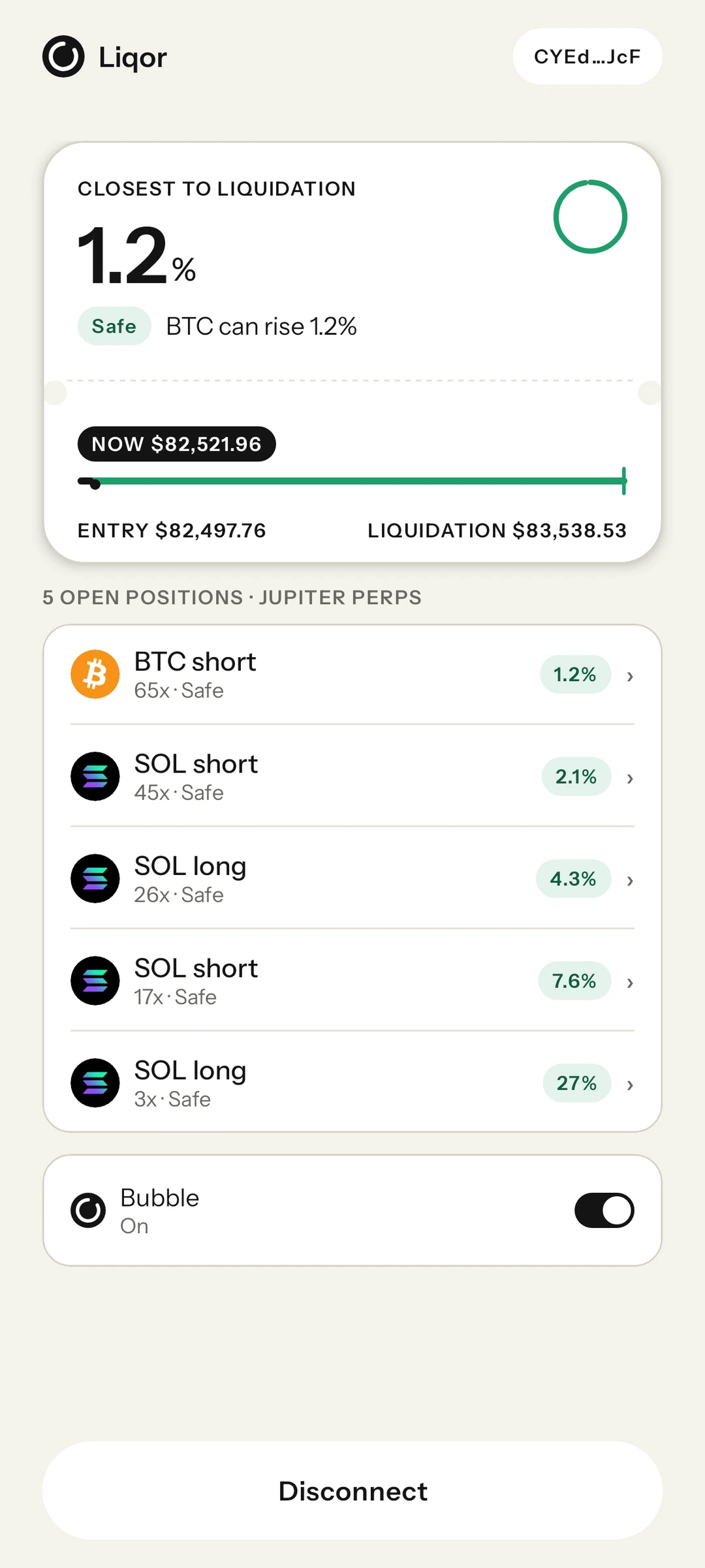
Tap it for every position.
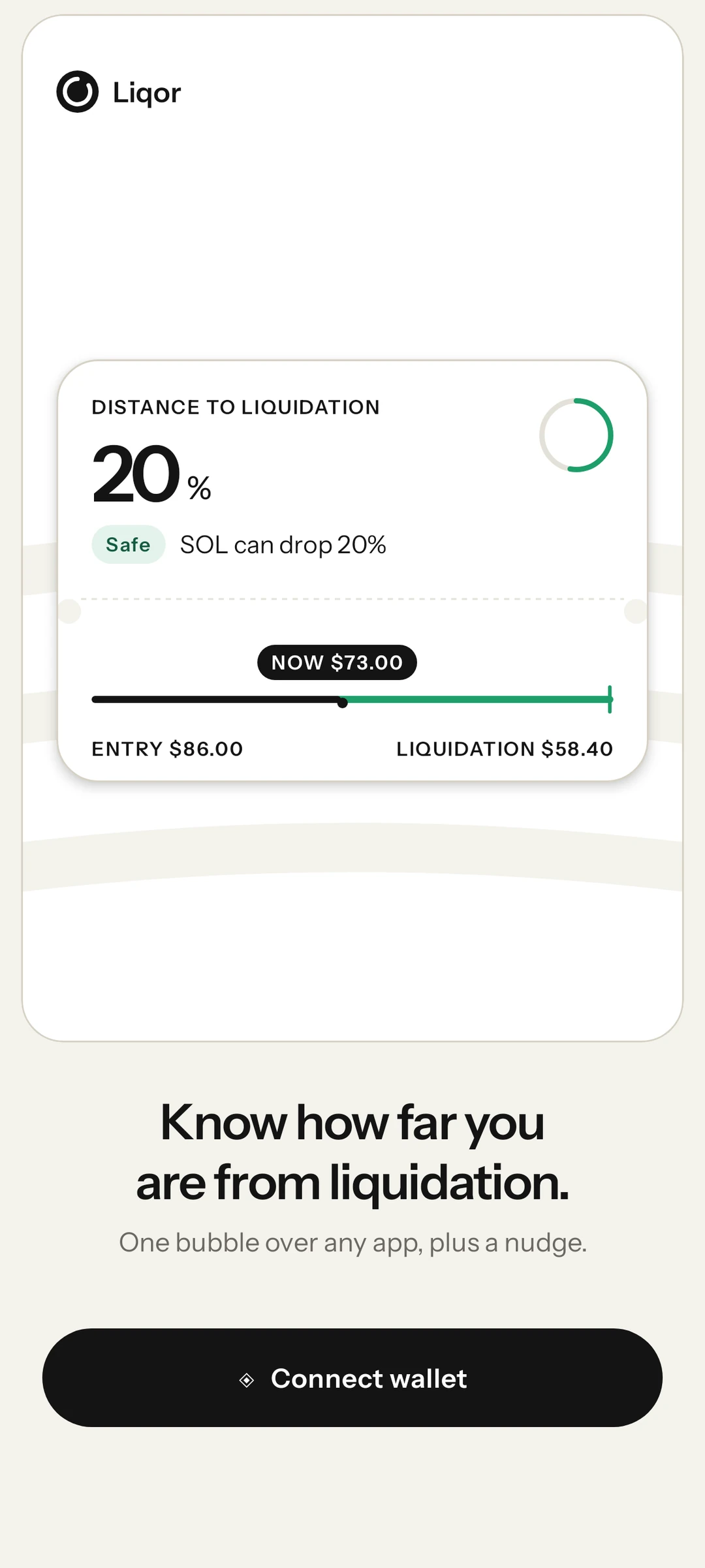
Price now, entry and liquidation price on one line for each position.
-
03
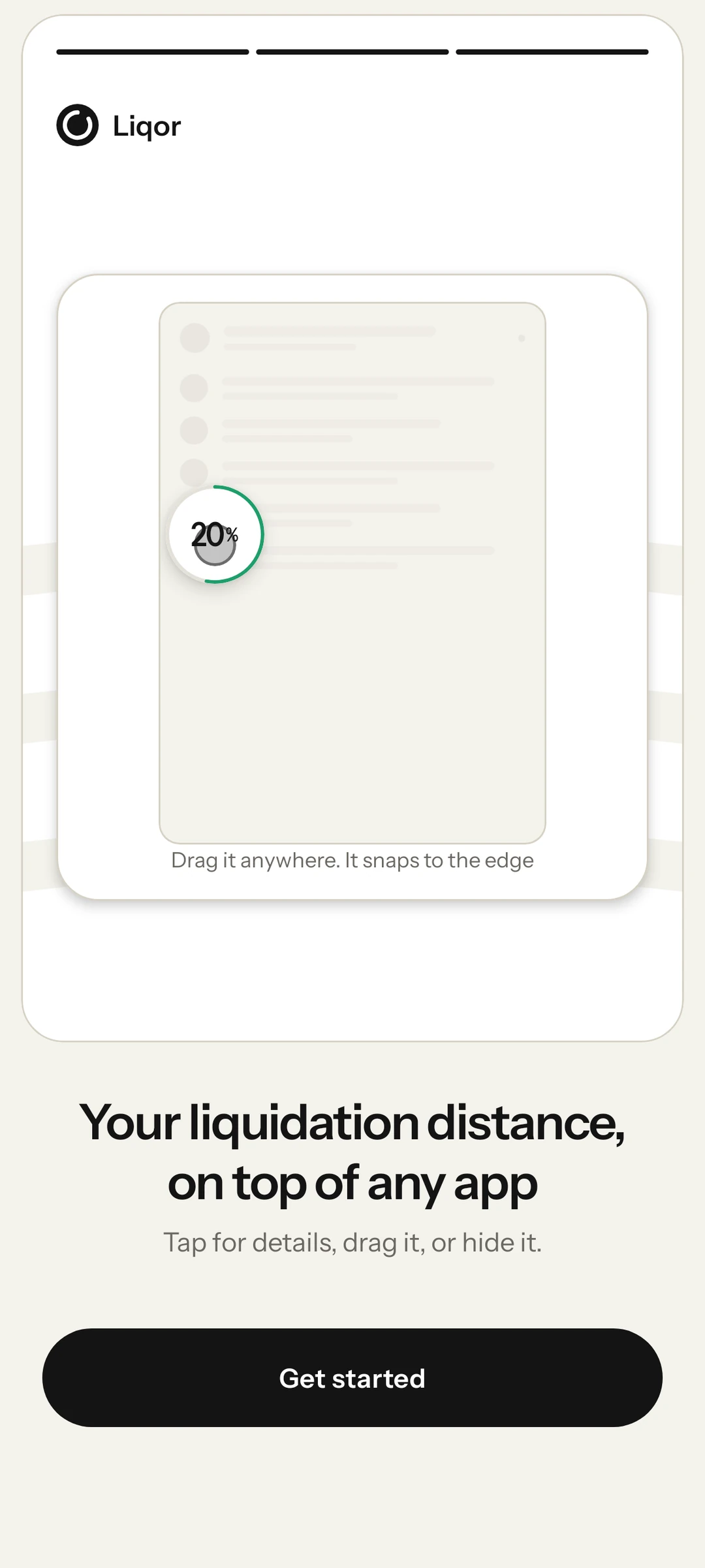
Drag it anywhere, drop it to hide.
Move the bubble out of the way with your thumb, or drop it at the bottom of the screen to tuck it away.
-
04
Know which one is at risk.
Every position is sorted by how close it is to liquidation, and each one shows a level.
SafeCautionDanger -
05
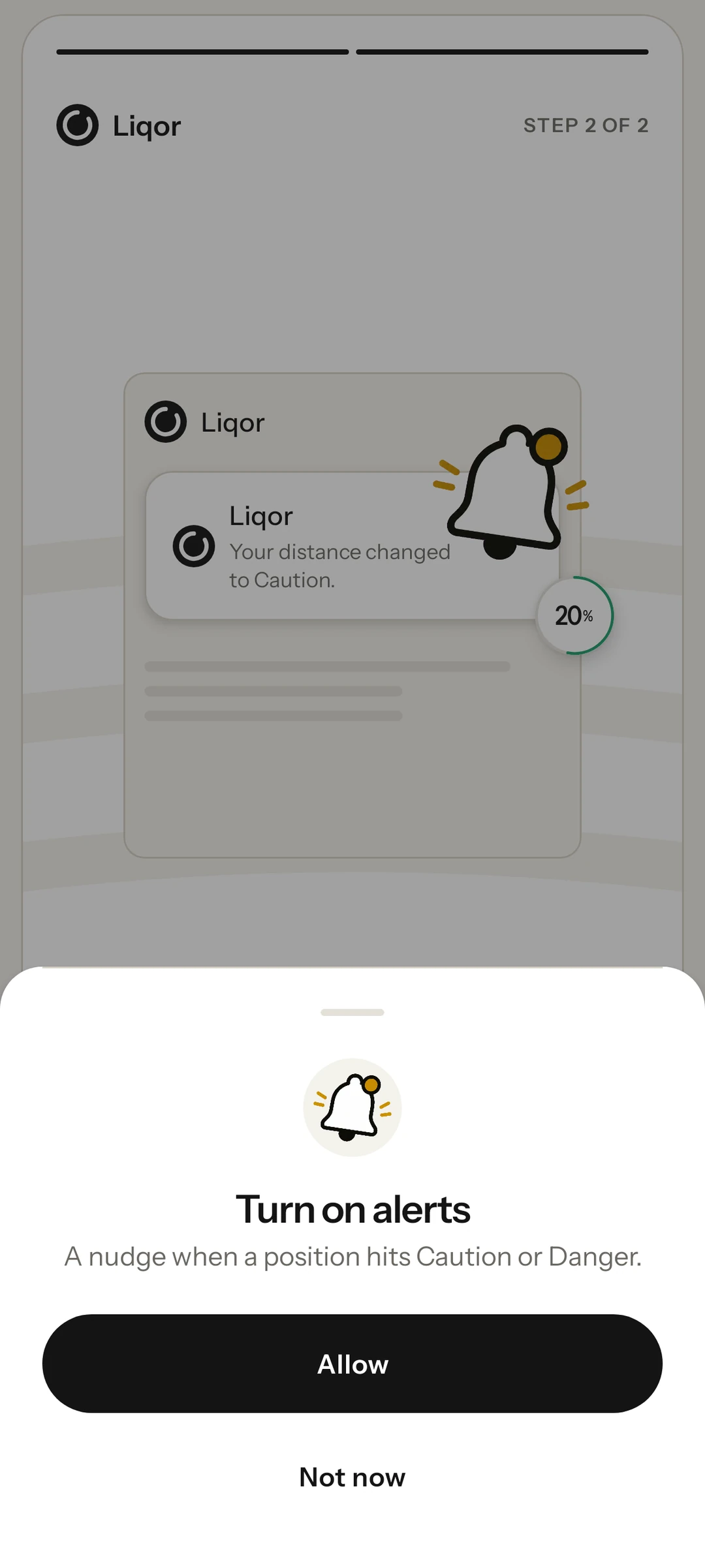
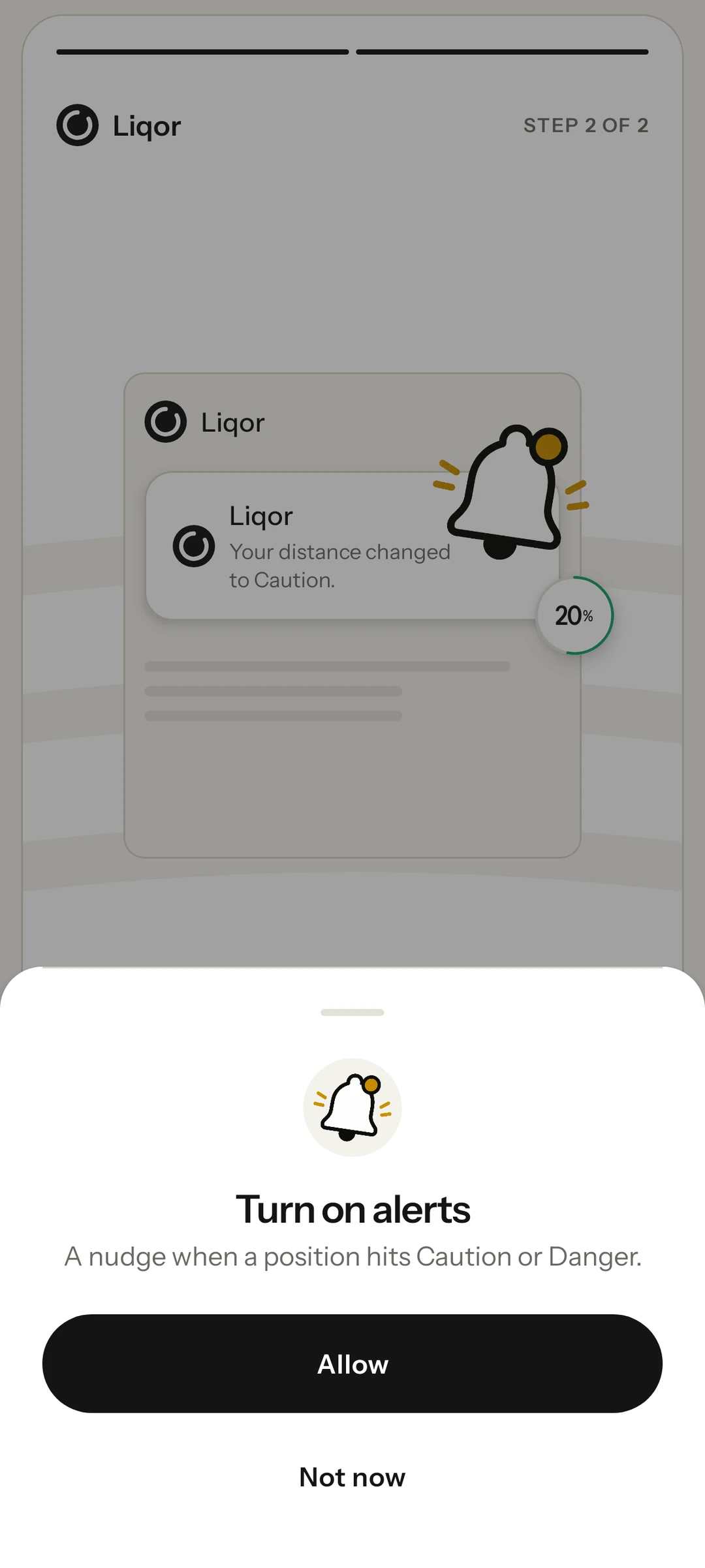
Get a nudge before it is too late.
When a position moves into Caution or Danger, your phone tells you, even while it sits in your pocket.
-
06
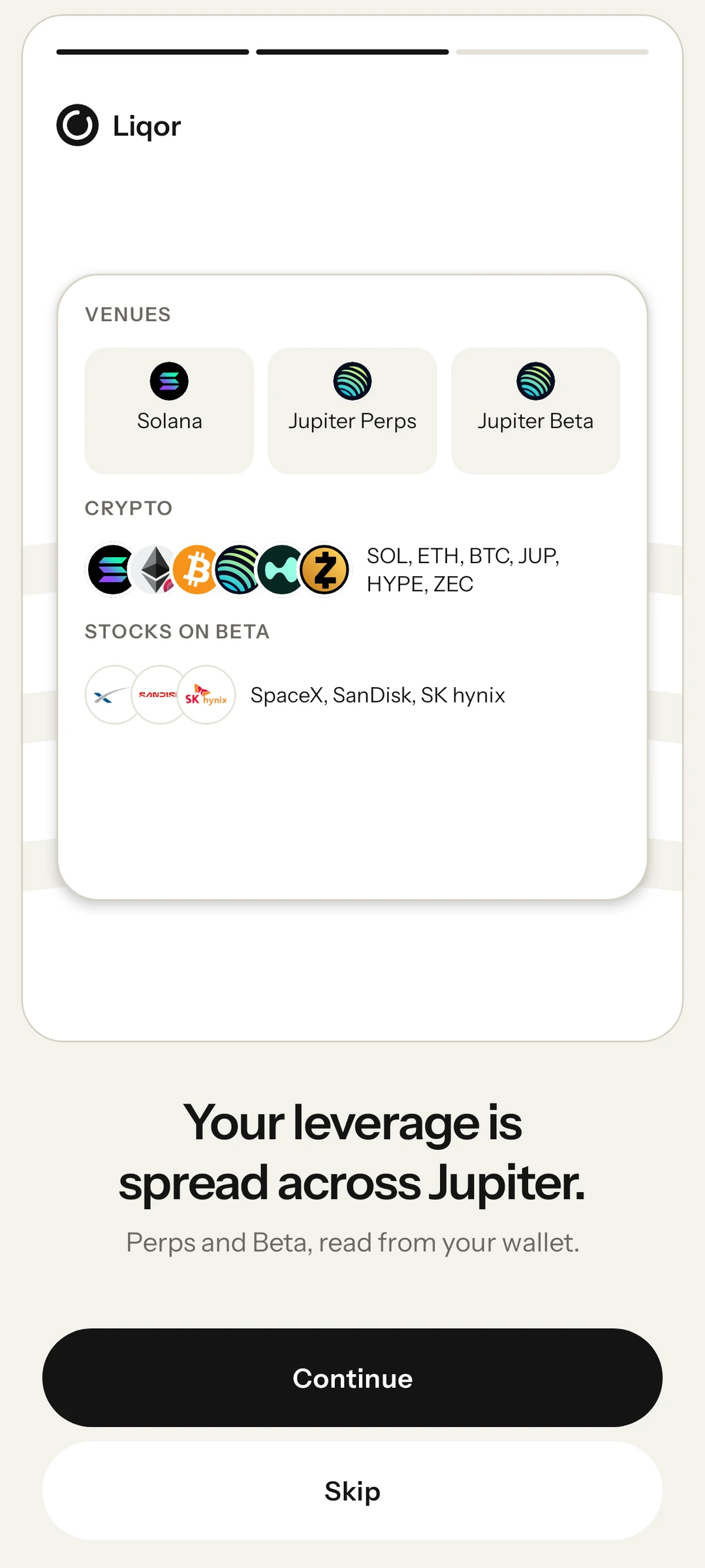
All of your Jupiter leverage.
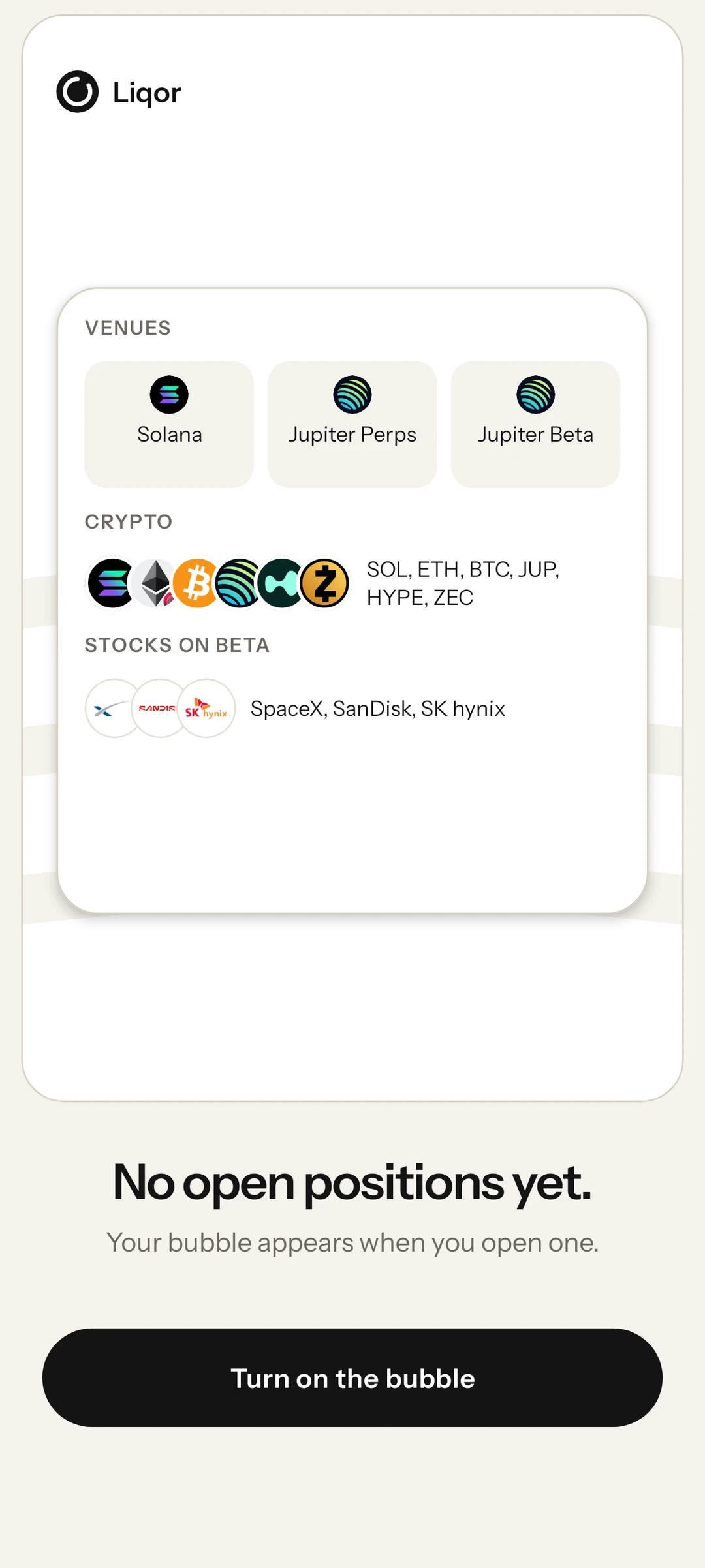
Jupiter Perps for SOL, ETH and BTC. Jupiter Beta for JUP, HYPE, ZEC, SpaceX, SanDisk and SK hynix.
-
07
See it coming in time.
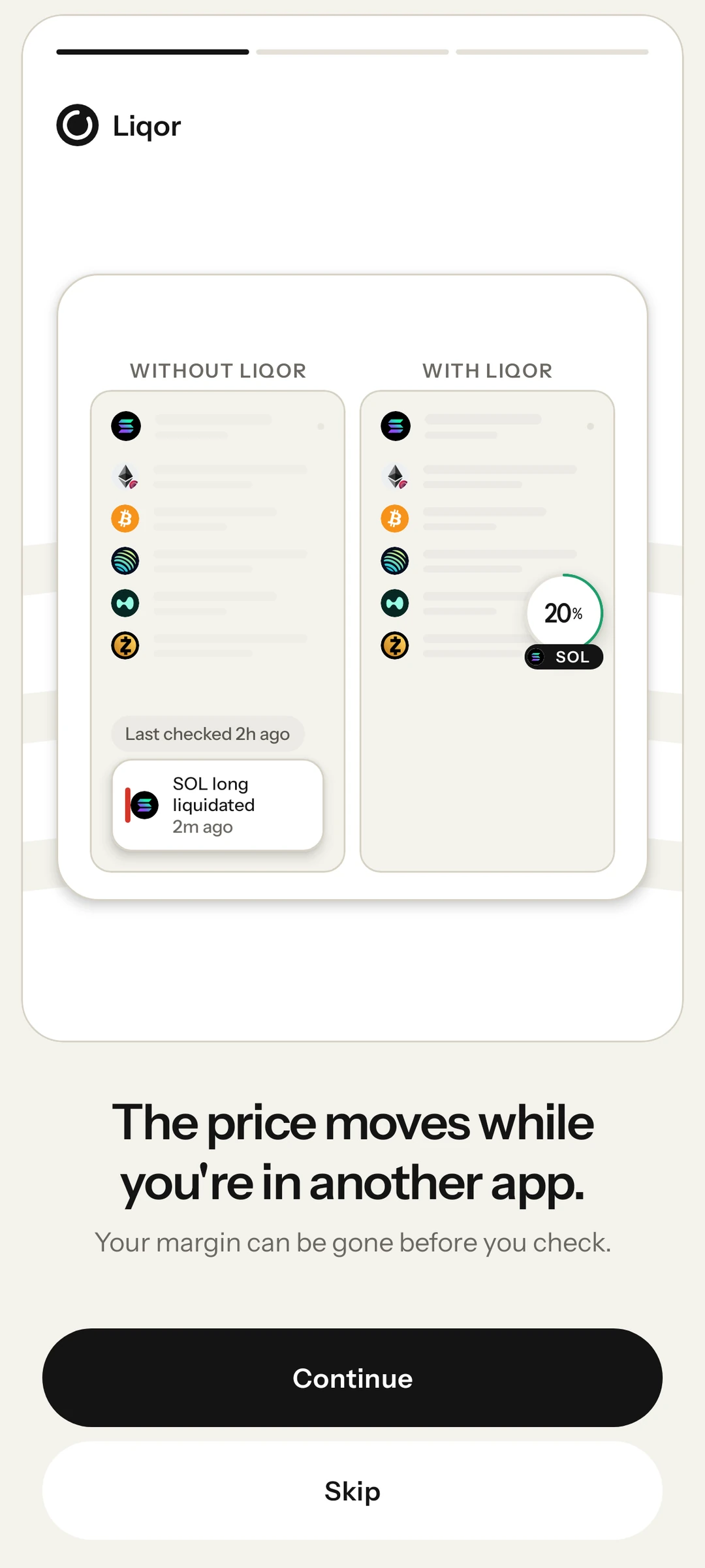
The price moves while you are in another app, and your margin can be gone before you check. With Liqor, the bubble has already shown you.
-
08
Connect once.
Connect Seed Vault or any Solana mobile wallet. Liqor reads the public address and never signs anything.
-
09
On in two taps.
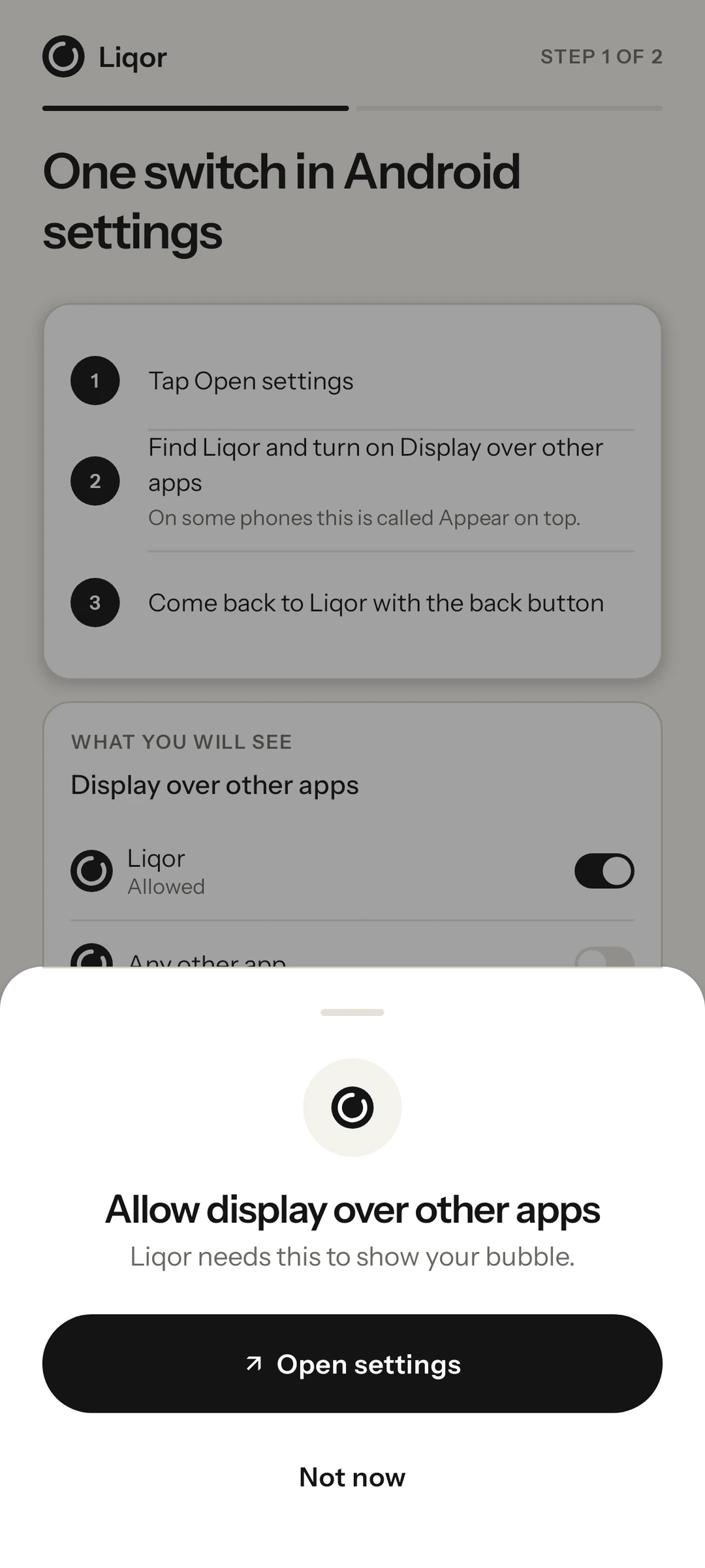
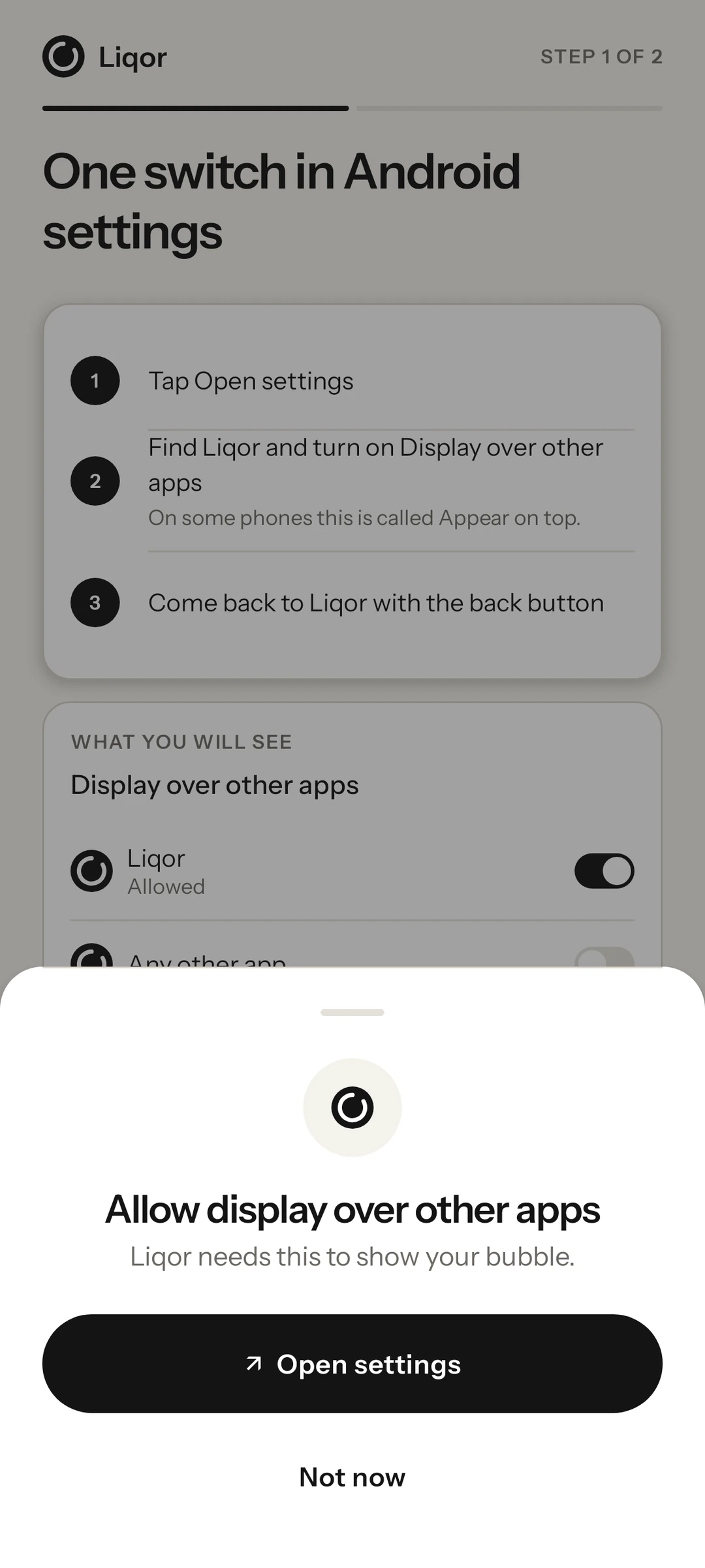
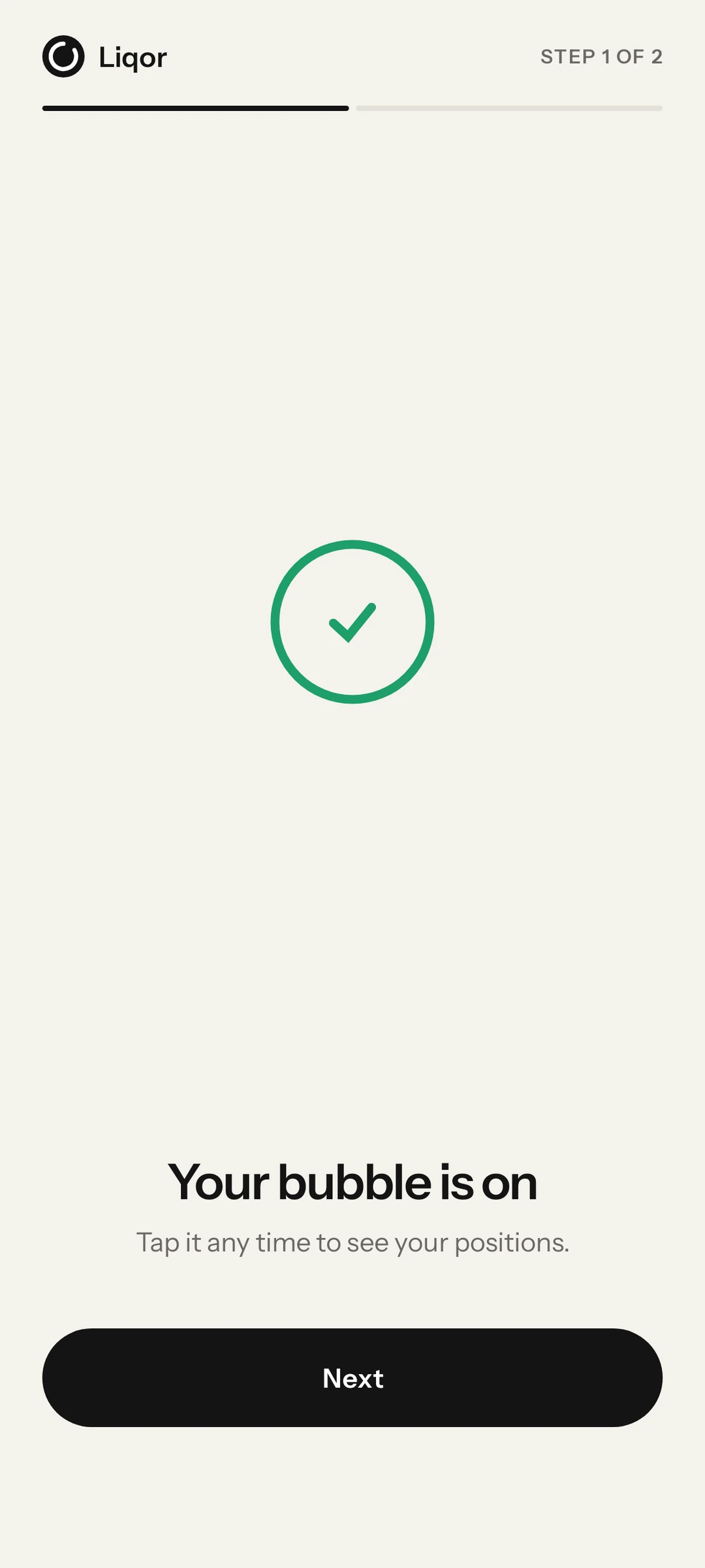
Liqor shows you exactly which switch to turn on, then the bubble is ready.
-
10
Ready before your next trade.
No open positions yet? Turn on the bubble and it shows up the moment you open one.